
Everything needed to practice smarter.
WeldVR combines immersive welding practice, guided learning, measurable feedback and realistic interaction in one compact standalone simulator.
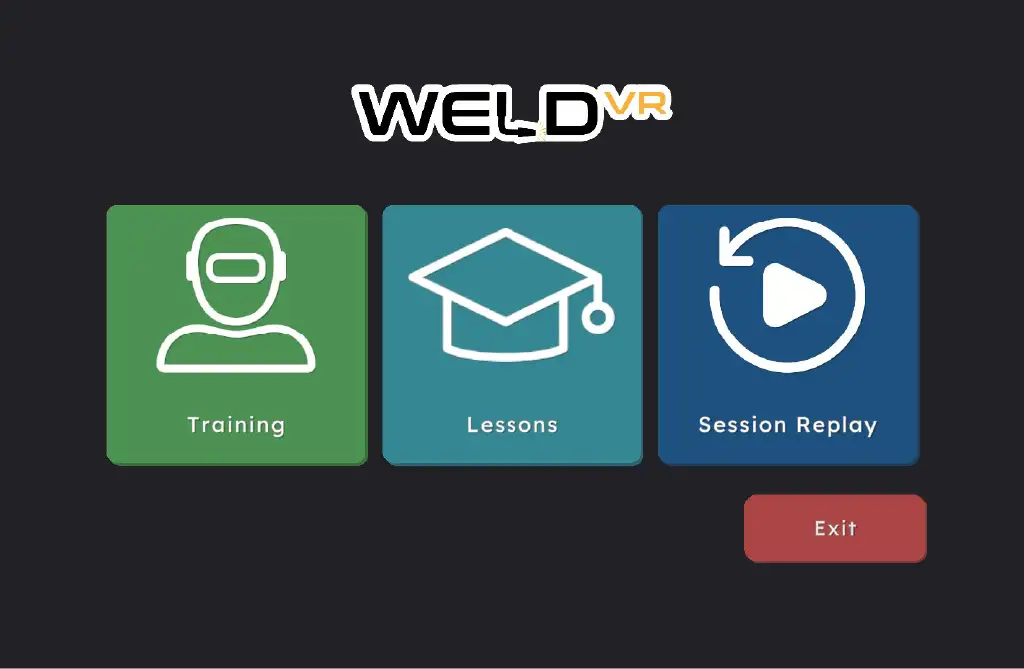
One simulator. Multiple ways to learn.
Move from structured learning to independent practice and session review without switching platforms. WeldVR keeps the training workflow simple for both learners and instructors.
Build technique through repeatable practice.
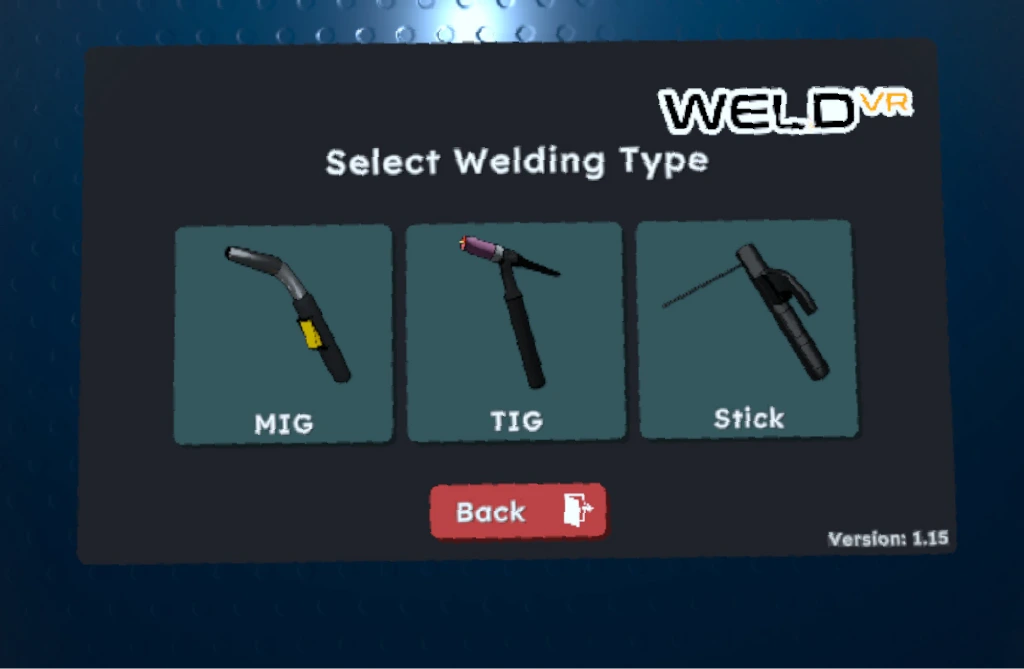
Learners can select the welding process, joint configuration and training difficulty before starting a focused practice session.
MIG, TIG & Stick
Switch between three core welding processes and practice the movement patterns and control required for each technique.
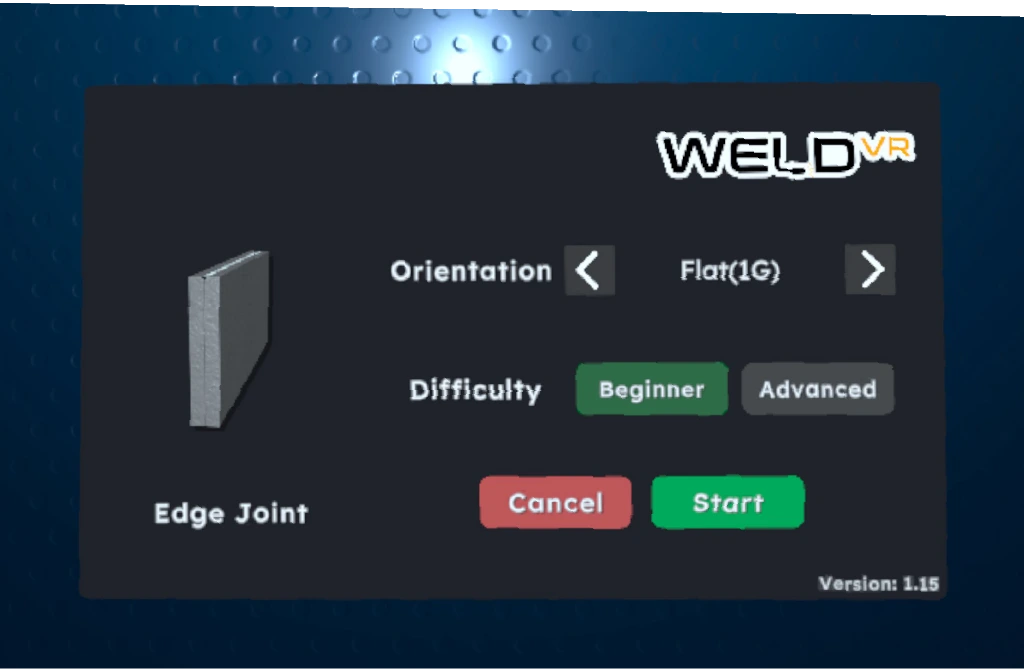
Joints & positions
Configure joint orientation and welding position so learners can repeat common scenarios in a consistent virtual environment.
Guidance when needed
Beginner assistance supports early practice with visual feedback and training controls that help learners understand the correct movement.
Support progress before and after every weld.
WeldVR combines instruction, in-session feedback and post-session review so practice is connected to measurable improvement.
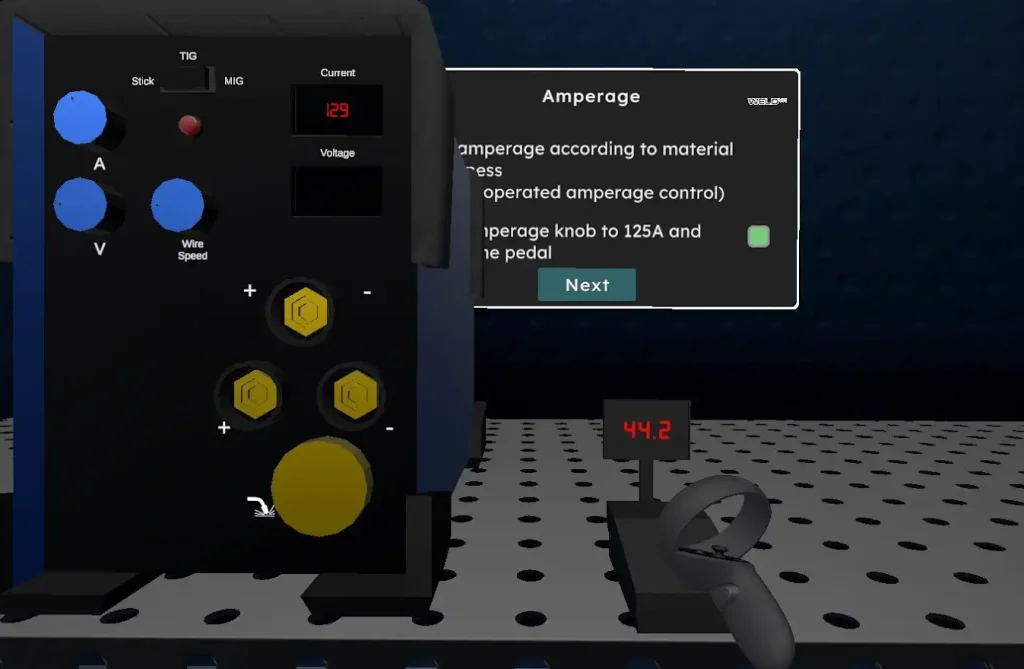
Learn the settings, not only the motion.
Structured lessons introduce welding parameters and concepts before learners apply them in a practical training scenario.
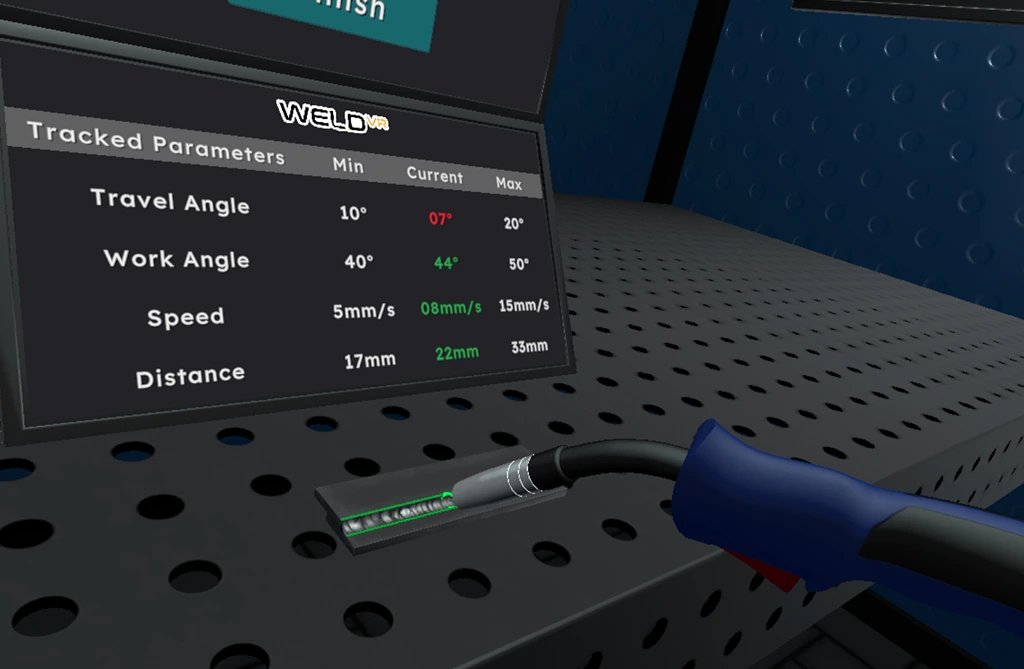
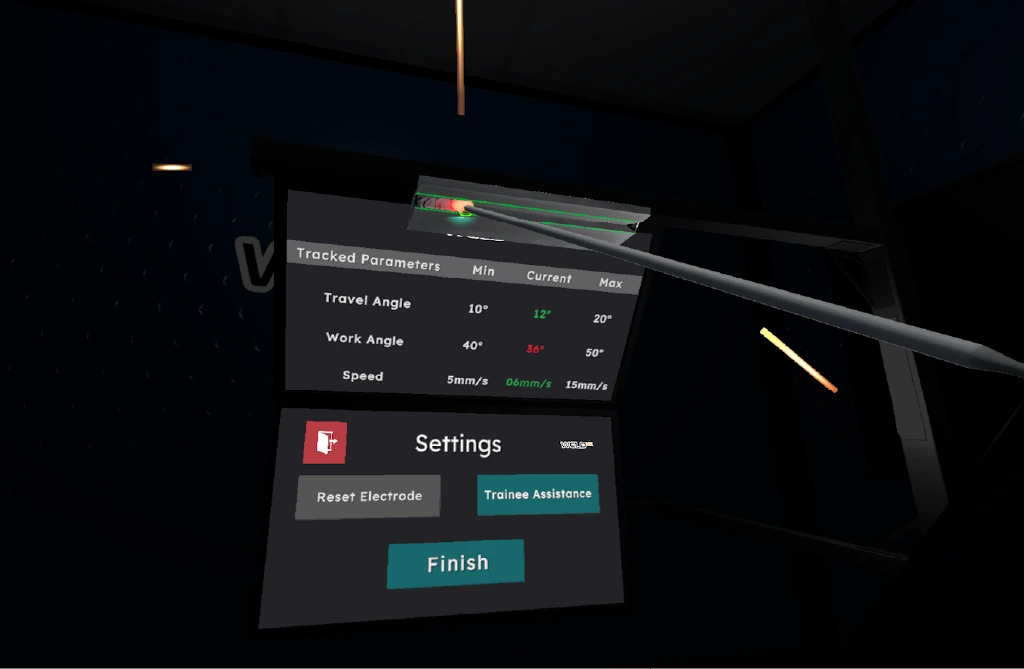
See what is changing while you practice.
Key welding parameters are displayed during practice, helping users identify deviations and understand where their technique needs adjustment.
Turn practice into visible progress.
Session results and replay tools make it easier to review performance, compare attempts and decide what should be practiced next.
Performance scoring
Review the completed session with scores and parameter results that make strengths and problem areas easier to identify.
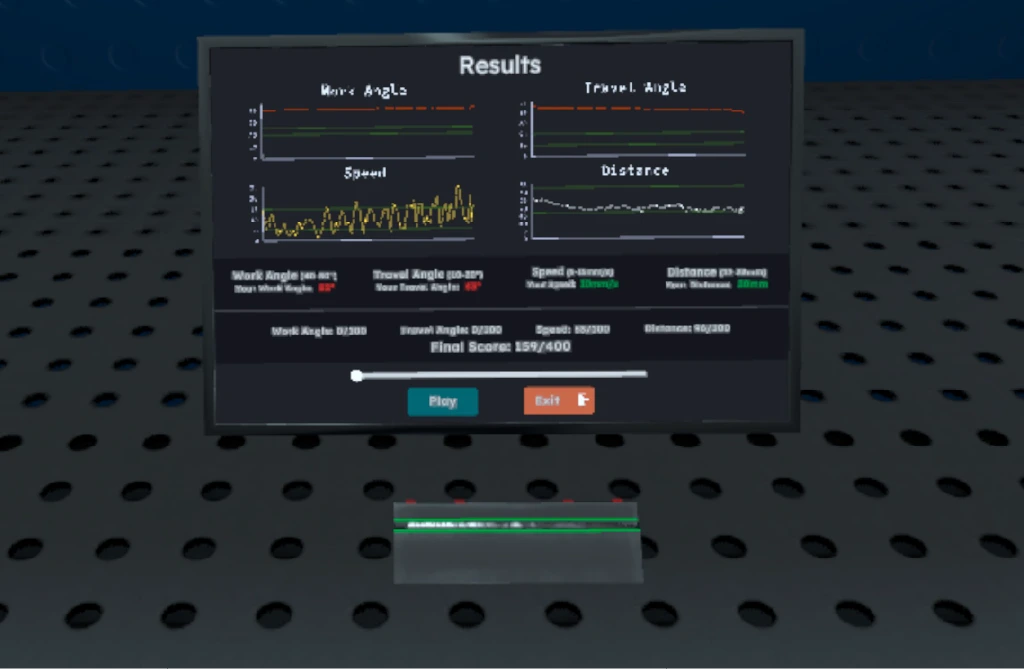
Replay the attempt
Revisit the welding session to better understand how movement and technique changed during the exercise.
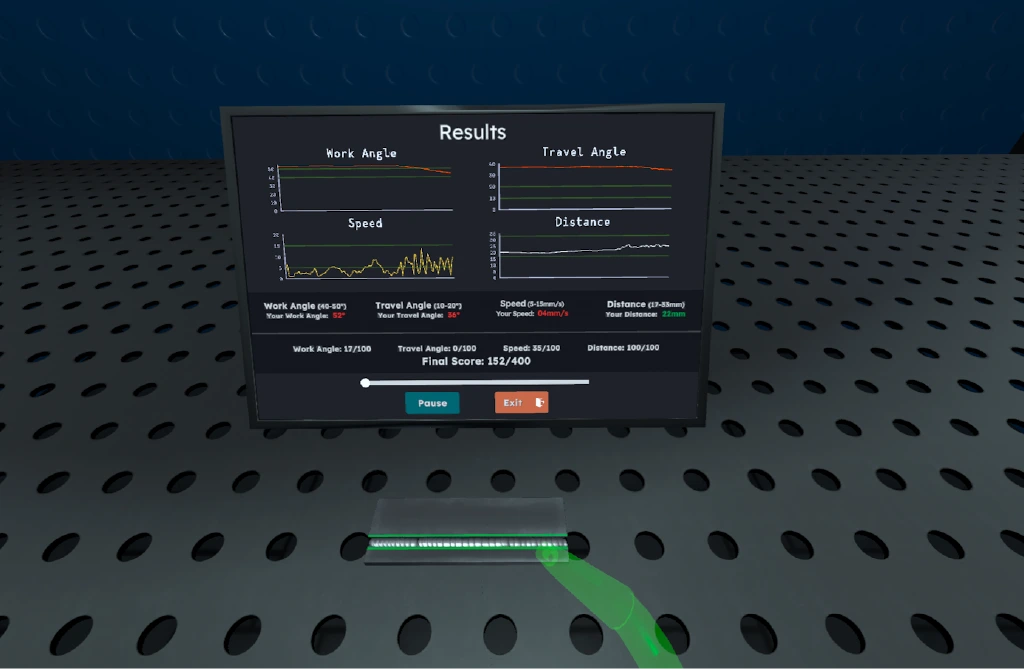
Practice with purpose
Use session data and feedback to focus the next attempt on specific parameters instead of repeating practice without a clear target.
Train with familiar tools in your hands.
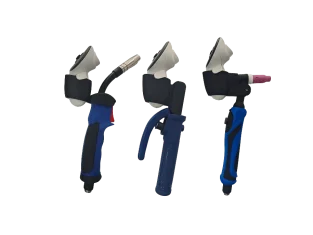
WeldVR can be paired with real welding torch controllers to create a more natural training experience and help learners build familiarity with the equipment.
Bring modern welding training into your organization.
See how WeldVR can fit your classroom, training center or workforce development program.