
Already have VR hardware? Add WeldVR.
WeldVR software gives individuals, instructors and organizations access to immersive MIG, TIG and Stick welding training. Because the package runs on compatible VR headset platforms, users can build on hardware they already have. Learners can therefore practise, review and repeat each exercise inside one focused training environment.


How WeldVR software turns practice into a learning cycle.
WeldVR combines practice, guided learning and session review in one connected package. First, learners choose a welding process and an exercise that matches their current goal. They can then review the fundamentals before starting a practical virtual session.
During practice, optional guides make important movements easier to understand. Recorded results show what remained consistent and what needs more attention. Each new attempt can focus on a specific part of the learner’s technique.
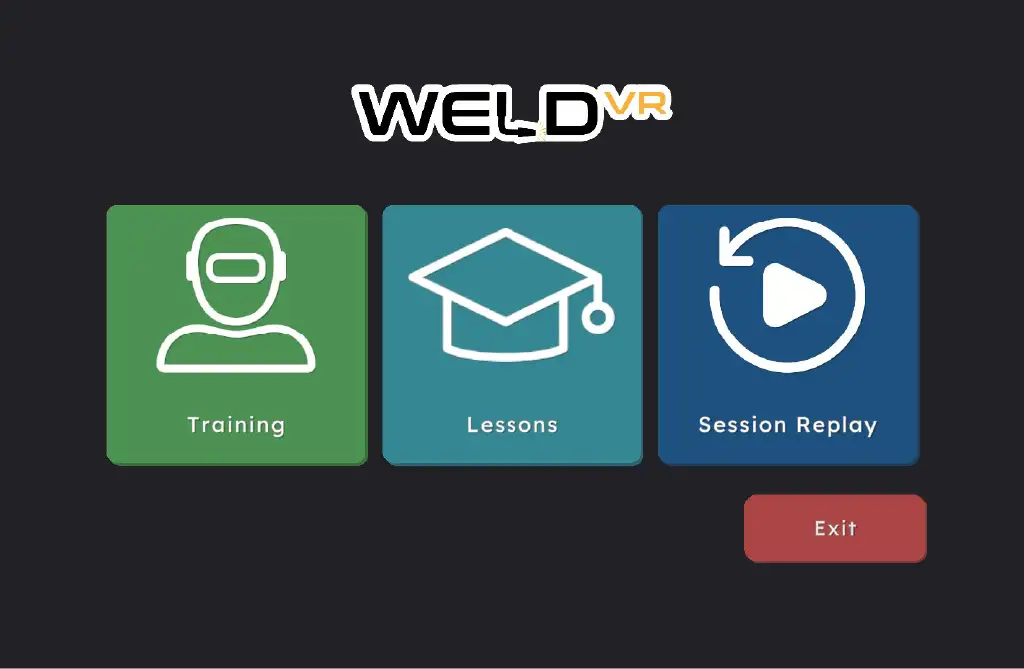
Core training features in WeldVR software.
Users can select a process, study the fundamentals and practise with optional guidance. WeldVR software records useful performance data during the virtual weld. Learners can then review that information without leaving the training environment.
WeldVR software training modes
Training mode includes common lap, tee, butt, edge and corner joints. Learners can repeat one joint while concentrating on steadier movement. They can also return to learning content without changing to another training system. Instruction and hands-on virtual practice remain part of the same workflow.
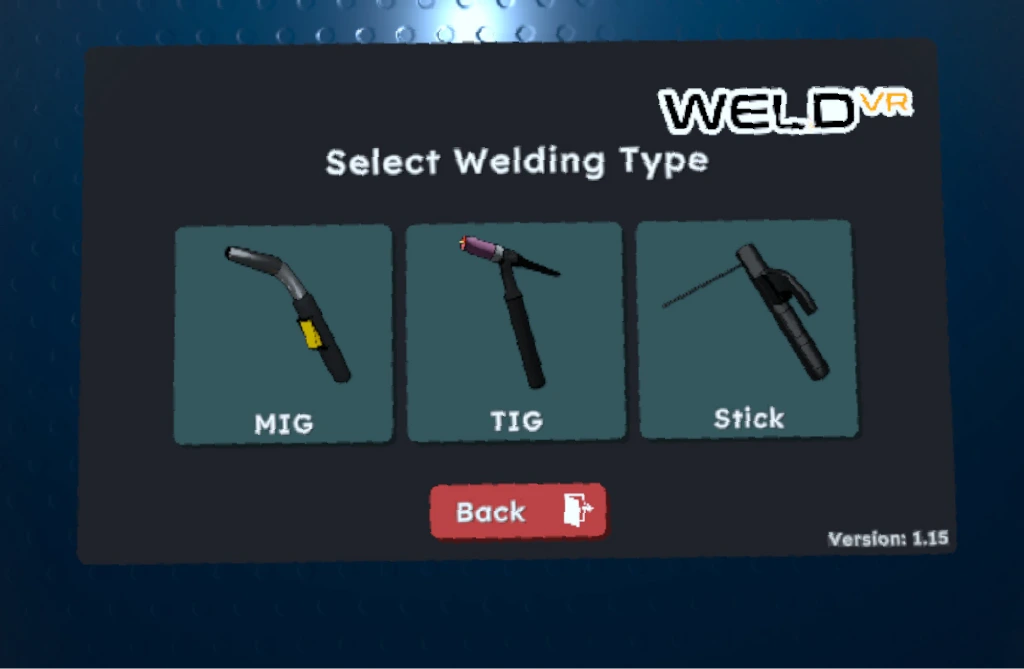
MIG, TIG & Stick practice
Users can switch between the three included welding processes within WeldVR software. Each process supports tracked parameters that reveal changes across a practice session. Learners can compare their control from one attempt to the next. This repeated feedback helps them identify which part of their movement requires more practice.
Learn welding fundamentals
Built-in interactive lessons introduce welding basics and settings before virtual practice begins. A learner can review key information before applying it in an exercise. The lesson remains close to the practical workflow, so preparation connects directly with practice. Later, the learner can revisit that material whenever a concept needs reinforcement.
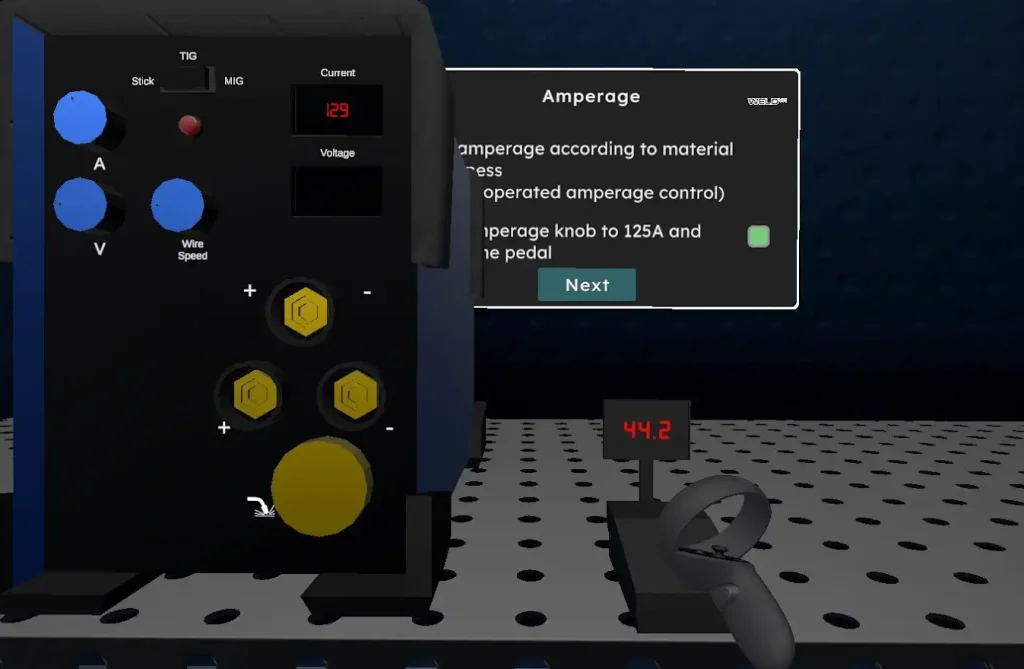
Reticle aim & welding guides
Optional guides help learners understand welding points, travel speed, working angles and distance. These visual references can make several movement variables easier to recognise. Users can focus on the guidance that fits the current exercise. Consequently, practice stays directed while the learner works toward more consistent control.
Measurable feedback from WeldVR software.
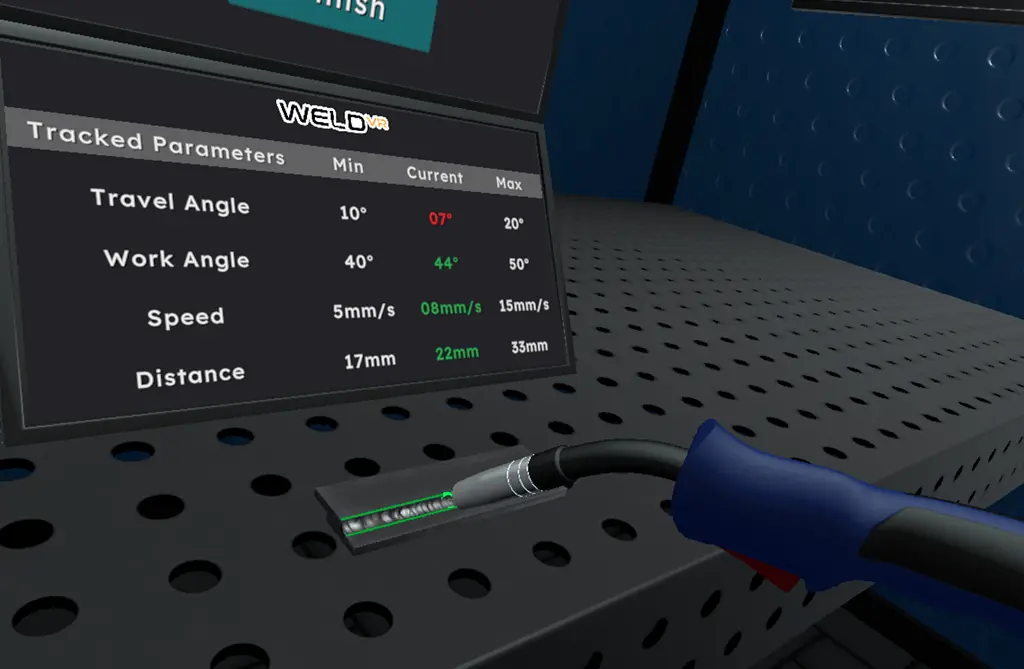
WeldVR software tracks welding movement in real time and converts each session into practical feedback. Instead of relying only on memory, learners can review recorded information after the exercise. The next attempt can address a clear and measurable area of technique.
For a clear practice plan, begin with one parameter and a realistic consistency goal. Then, complete the session without changing that chosen objective. Once results are available, compare the movement pattern instead of checking only the final score. If the pattern remains inconsistent, repeat the same setup before adding another challenge. This sequence helps learners see whether a specific adjustment improved their control.
See how WeldVR software tracks technique.
During the session, the system tracks travel speed, travel angle, work angle and working distance. These measurements show how movement changes throughout the virtual weld. Learners remain focused on the exercise instead of stopping to record each detail. After the session, they can connect the results with what they experienced in the headset. This connection makes the next practice goal easier to define. To use the feedback effectively, a learner can select one variable before beginning. One attempt might focus on maintaining a steadier working distance. The following attempt can emphasize travel speed while the other measurements remain visible. In this way, a broad review becomes a simple and repeatable practice routine.
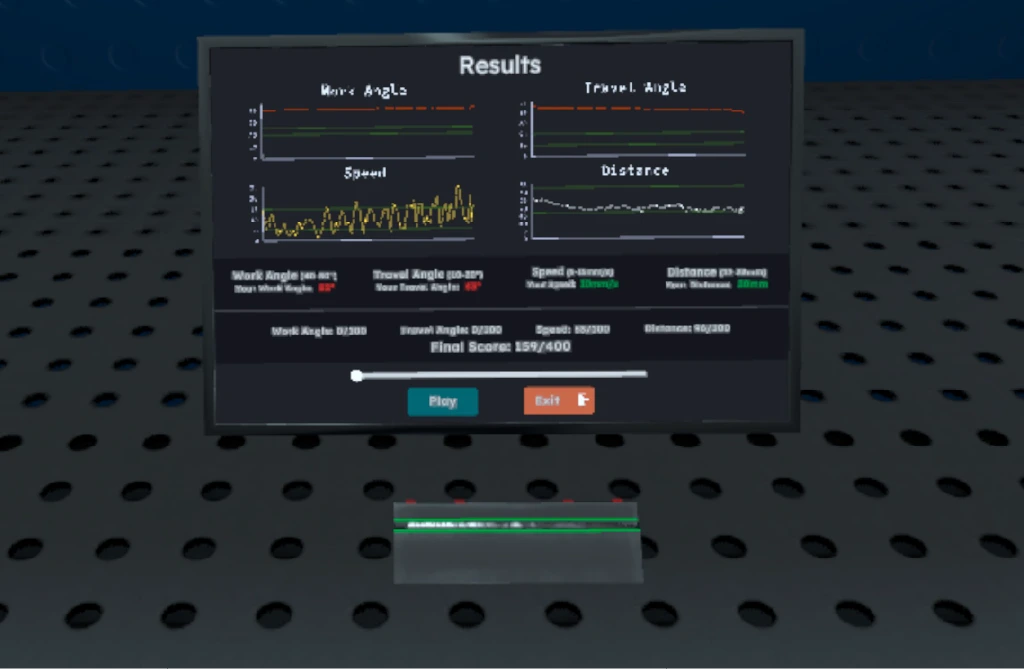
Review results in WeldVR software.
The grading and scoring system uses tracked data to summarize performance after each weld. Users can review the session score and individual parameter results. They can also examine recorded movement data before repeating the exercise. Strengths and inconsistencies become easier to identify. The learner can finally choose an informed goal for the next session. Session replay provides additional context by showing how movement developed during the weld. One score does not need to represent the entire learning result. The score, parameter results and recorded movement can be considered together. WeldVR software supports a review process that is both focused and easy to repeat.
Run WeldVR software on compatible VR hardware.
The Software-Only option is designed for users who already have a compatible VR headset. Because it does not require a complete WeldVR hardware kit, it offers a flexible starting point. Individuals can add structured virtual practice to an existing setup. Organizations can consider the software for compatible equipment already available to their teams.
Compatibility should be confirmed before purchase because headset models and deployment needs can differ. The contact team can discuss the intended setup and training requirements. WeldVR is developed by Cythero, the company behind its immersive training technology.
Before contacting the team, users can note their headset model and expected number of learners. They can also describe the welding processes and practice goals they want to cover. This information makes the compatibility discussion clearer from the beginning. It helps connect the available software option with the planned training environment.