
Choose the WeldVR setup that fits your training.
From complete All-in-One systems to software-only deployment and real welding controllers, choose the WeldVR configuration that best matches your organization.
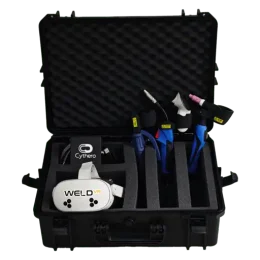
Find the right simulator configuration.
Choose a complete system, deploy software on compatible hardware, add real welding controllers, or combine WeldVR and SprayVerse in one training bundle.
WeldVR Welding Simulator All-in-One
The complete WeldVR system with protective case, headset, real welding torches, software and organization-level training tools.
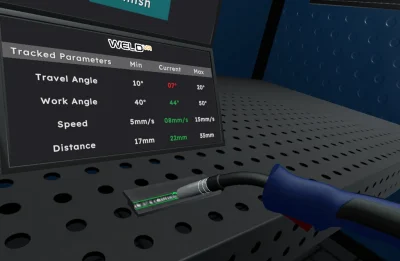
WeldVR Enterprise Software-Only
Deploy WeldVR on compatible VR hardware while keeping access to training, user management, analytics and reporting tools.
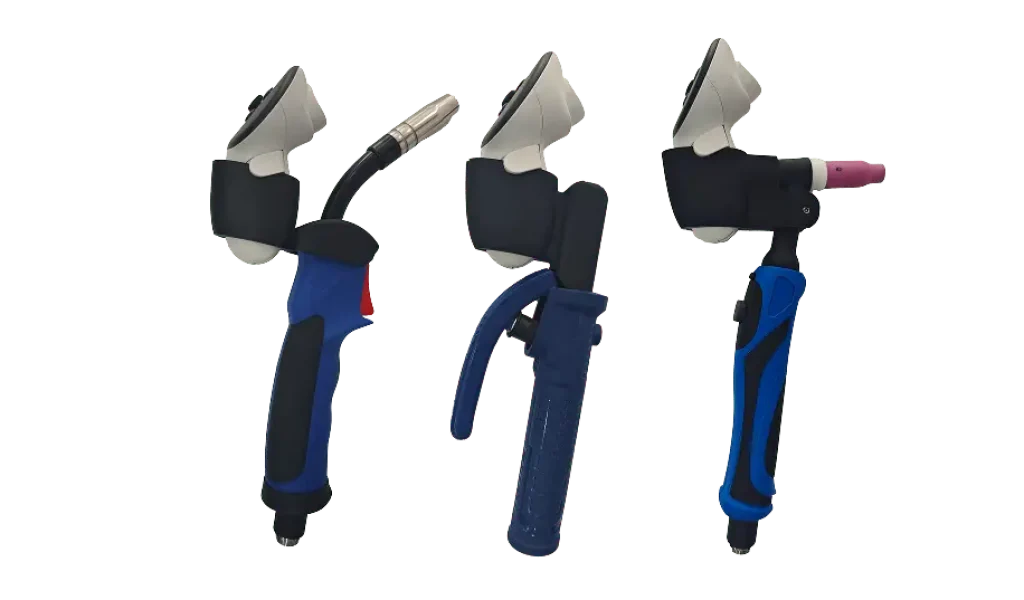
Welding Torches & Controllers
Add dedicated welding controllers for a more familiar training experience with MIG, TIG and Stick-style tools.
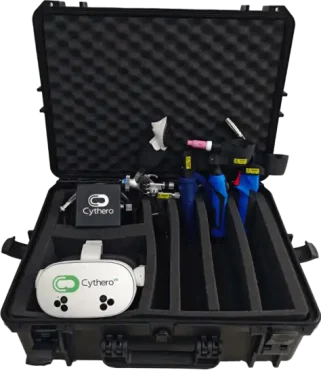
WeldVR + SprayVerse All-in-One Bundle
Combine immersive welding and professional spray painting training in one bundled hardware configuration.
Choose based on what you already have.
The right configuration depends on whether you need a complete ready-to-use system, already own compatible hardware, or want to expand an existing setup.
Need everything?
Choose the All-in-One system when you want the headset, controllers, software and training platform together in one package.
Already have VR hardware?
Choose Enterprise Software-Only if your organization already has compatible VR hardware and needs the WeldVR training platform.
Expanding your setup?
Add welding controllers or choose the WeldVR + SprayVerse bundle to broaden the training capabilities available to your organization.