
Contact WeldVR about welding training.
Tell our team about your training goals, existing hardware or preferred WeldVR configuration. We will help you choose a suitable setup for your learners, instructors and training space.
Send us a message
Complete the form and tell us about your organization, welding processes and expected number of learners.

Why Contact WeldVR?
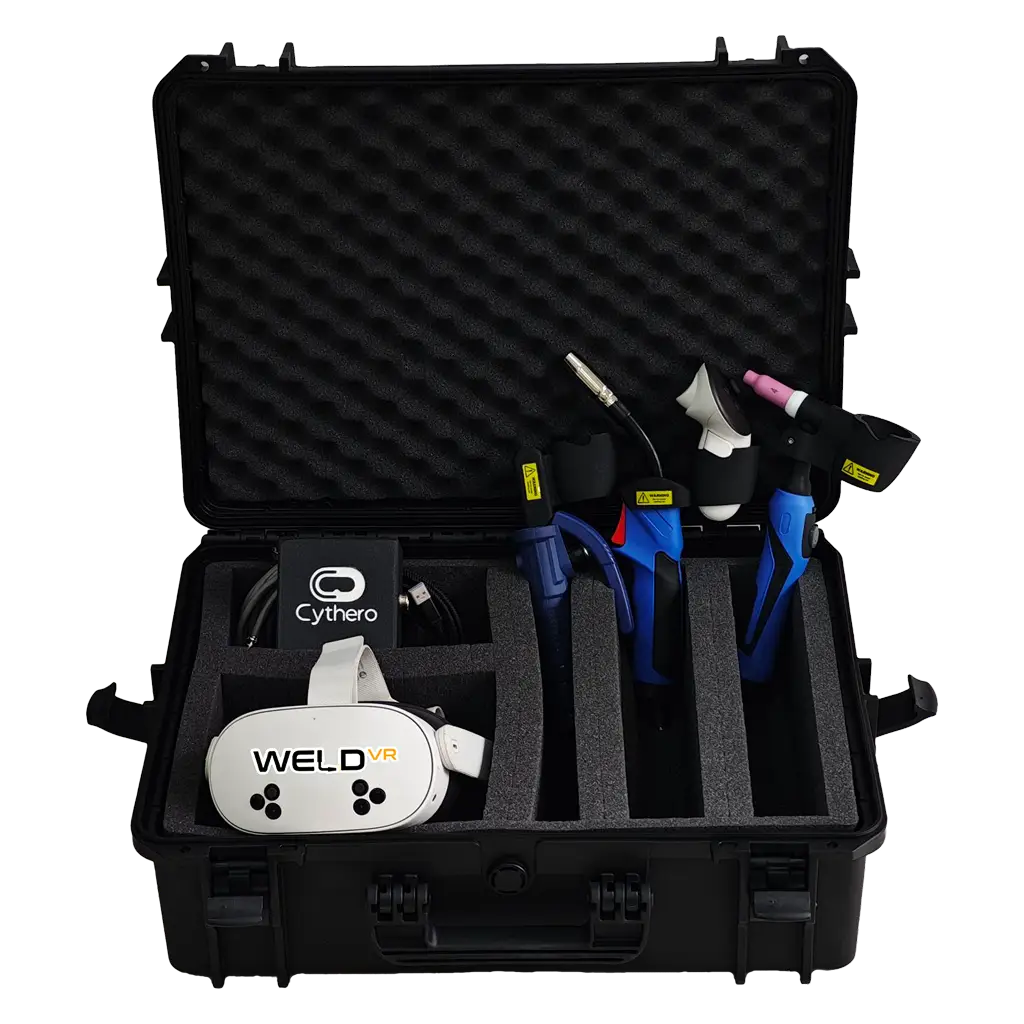
Training needs vary by organization. A complete simulator includes a headset and real welding torches. Schools with compatible VR hardware can choose Software-Only access. Our team can help you compare the options and choose the right setup.
Our team can explain MIG, TIG and Stick training, real torch options, trainee profiles, analytics, casting and branding. You can ask about headset compatibility, packages, delivery, licensing and support. We will help you choose a practical setup for your budget, training goals and number of stations.
What should you include when you contact WeldVR?
Tell us which welding processes you teach and how many people will use the simulator. Share your preferred headset, available training space and reporting needs. A formal quote requires your organization name, country and expected purchase timeline. These details help us prepare an accurate recommendation.
WeldVR is developed by Cythero. Visit the Cythero website to learn more about the company and team behind WeldVR.
Contact WeldVR for a demonstration
Our live online demonstration covers MIG, TIG and Stick workflows, guidance tools, scoring and analytics. Our team can answer questions about instructor features, licenses, deployment and recommended hardware.
Get product information
Request details about All-in-One and Software-Only packages, headset compatibility, real torches and user profiles. Our team can explain cloud analytics, branding, support and pricing for larger deployments.
Discuss your setup
Share details about your organization, current VR equipment, training stations and expected number of learners. We will recommend a setup that fits your space, workflow and training goals.