
Build welding skills before the arc starts.
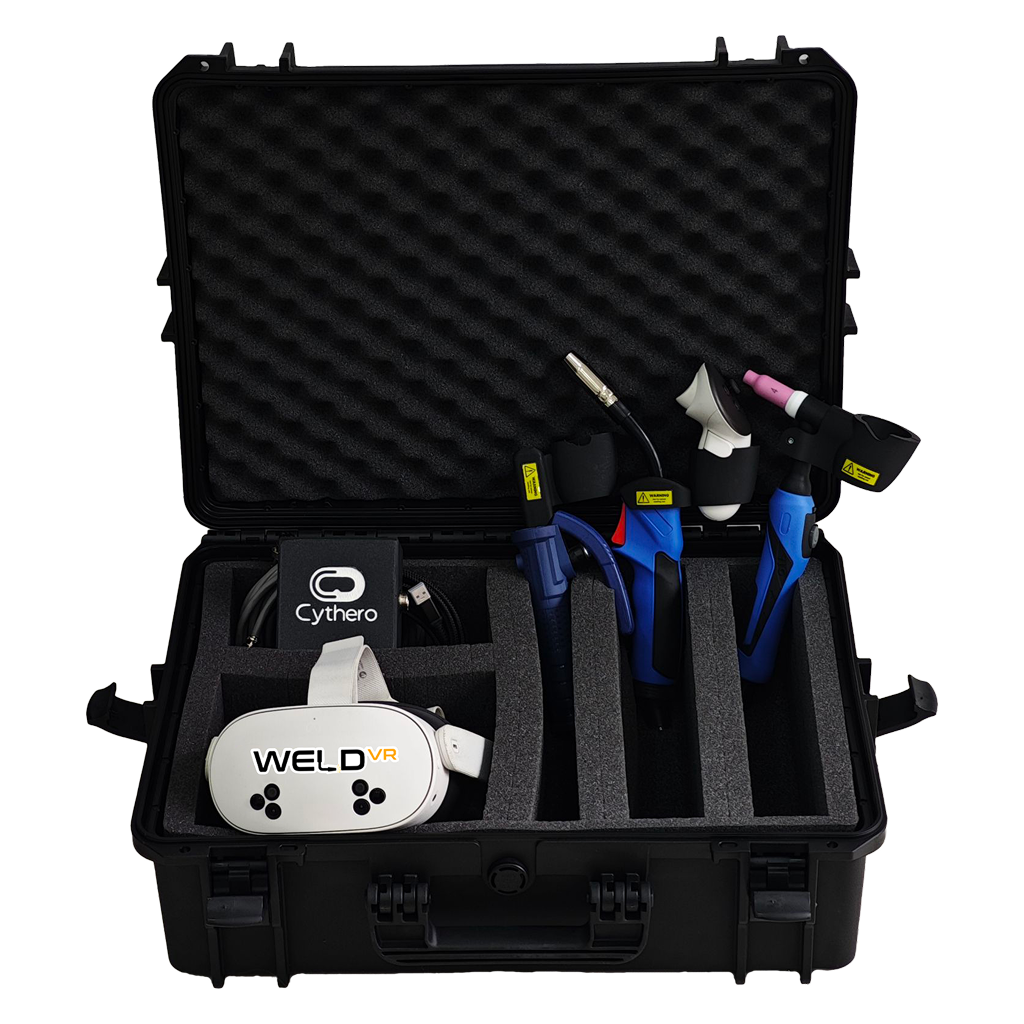
Welding Simulator WeldVR puts professional MIG, TIG and Stick welding training in your hands. Developed by welding and VR experts, it combines real welding torches, immersive simulations and detailed performance analytics in a portable system. Trainees can practise safely, refine their technique and build confidence for live welding without sparks, fumes or welding consumables.
Trusted by 120+ organizations worldwide.
WeldVR supports manufacturers, colleges, workforce programs and training organizations with immersive practice and measurable skills development.







Practice more with less waste and clearer progress.
WeldVR complements hands-on welding rather than replacing it. Trainees can develop confidence, familiarity and consistency before working with real materials.
Watch WeldVR in action to explore its standalone training environment. See how realistic welding processes support repeatable skills development.
Train the processes your learners actually use.
Learners can switch between three core welding processes with purpose-built virtual training scenarios and realistic tool interaction.
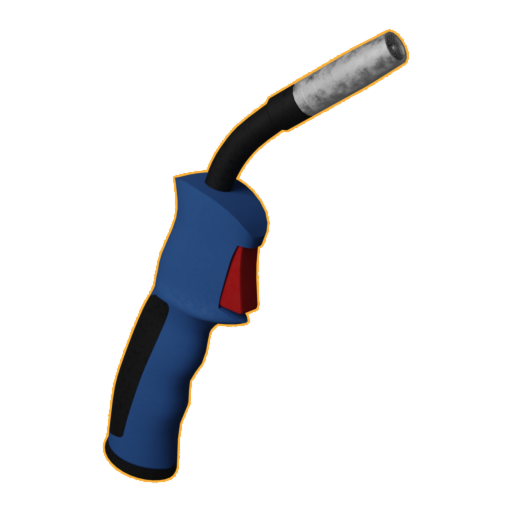
MIG Welding
Practice consistent torch movement, travel speed, work angle and distance using a dedicated MIG-style controller.
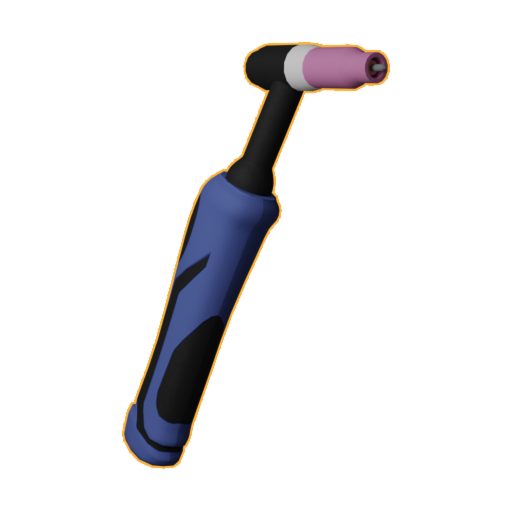
TIG Welding
Build precise hand control and repeat core TIG movements in a clean, focused virtual training environment.
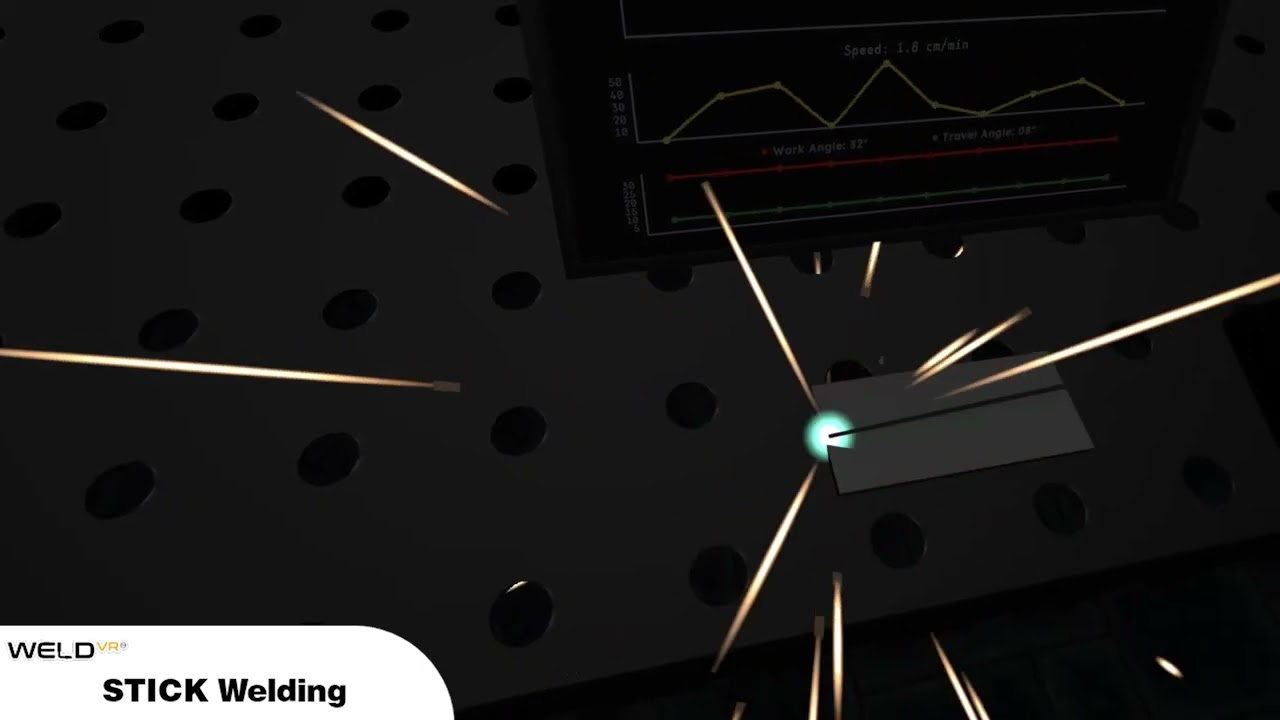
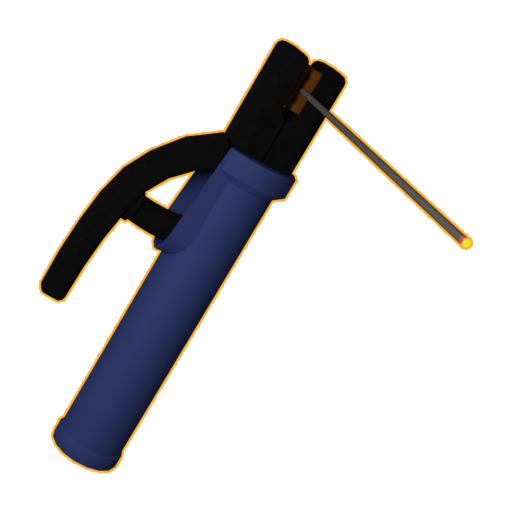
Stick Welding
Develop electrode control, movement consistency and positioning with an immersive Stick welding practice workflow.
From first attempt to measurable improvement.
Choose the process
Select MIG, TIG or Stick and prepare the appropriate training scenario for each exercise.
Practice in VR
Repeat welding movements safely in VR without consuming wire, gas, electrodes or workpieces.
Track technique
Review key parameters such as speed, angle and working distance throughout each training exercise.
Review progress
Use scoring, analytics and session data to identify the areas where each learner needs more practice.
Turn every practice session into useful feedback.
The simulator records key welding parameters throughout each session. Learners and instructors can use the recorded data to compare sessions and focus practice on measurable areas for improvement.
Choose the WeldVR setup that fits your organization.
Choose a complete ready-to-use simulator or deploy WeldVR on compatible VR hardware.
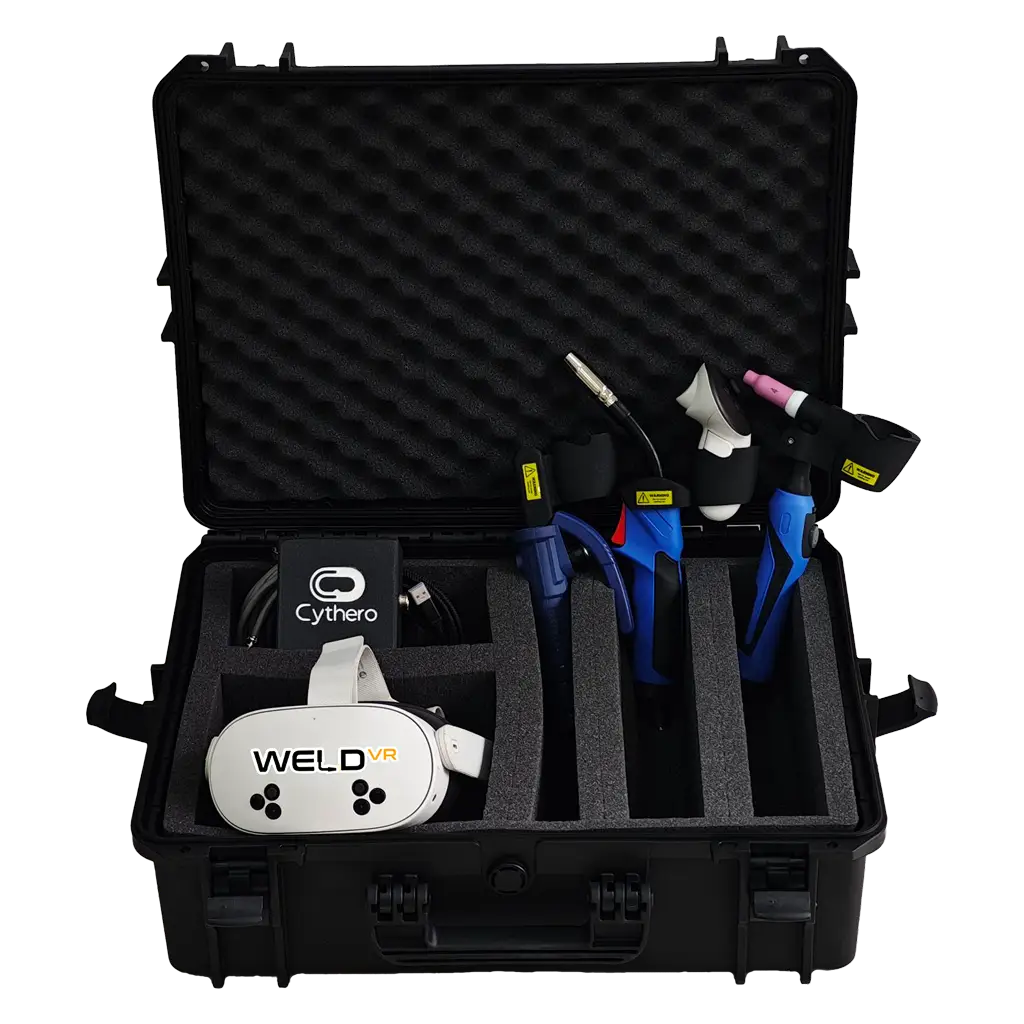
Complete All-in-One System
This ready-to-use package suits schools, training centers and organizations that want a complete deployment.
- MIG, TIG and Stick techniques
- VR headset
- Real welding torches
- Protective hardcase
- Multiple user profiles
- Cloud analytics
- Branding options
- Link/casting cable
Software-Only
The Software-Only option suits users and organizations with compatible VR hardware. It provides direct access to WeldVR training.
- MIG, TIG and Stick welding techniques
- Individual or enterprise options
- Meta Quest / PICO / HTC Vive compatibility
- Regular updates
- Analytics options
- Optional real torches

Train across joints and welding positions.
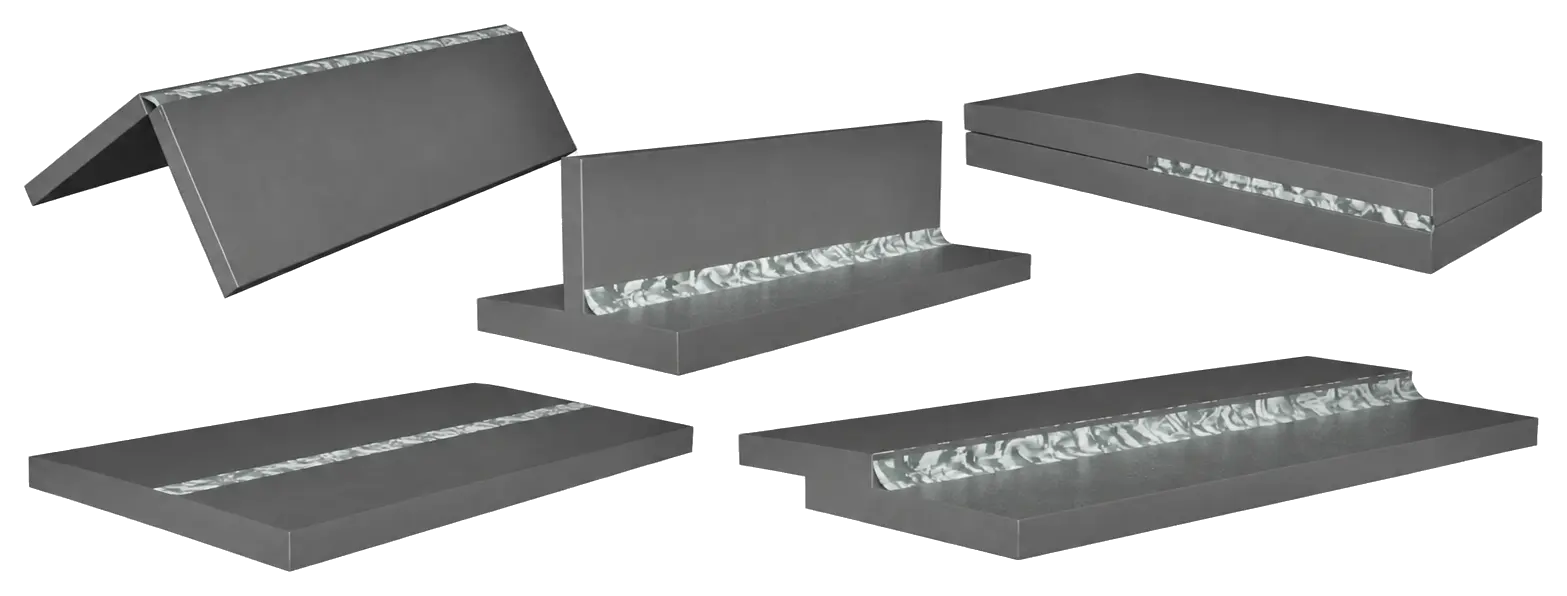
Practice on different joints across multiple welding positions, with the freedom to repeat each exercise and refine your technique.
Build confidence through varied and repeated practice.
Practice common butt, corner, tee, lap and edge joints across multiple welding positions.
Trusted by Welding Professionals
Hear how WeldVR supports welding instructors and their students.
“Your technology has helped both me and my students learn, grow, and succeed. It will always have a place in my classroom. Thank you for your support and for being part of my welding students’ journey and success.”
“WeldVR provides an engaging and immersive learning experience, allowing students to practise and refine their welding skills in a controlled, safe environment.”
“This could be supplementary training, especially for beginners learning how to use a welding machine.”